Platform Tour
The Platform tour maps the account-level features you open from the Wrk platform sidebar. Use these pages when you need to find where something lives in the UI, manage credentials and shared files, store long-term data, or monitor and debug Launches.
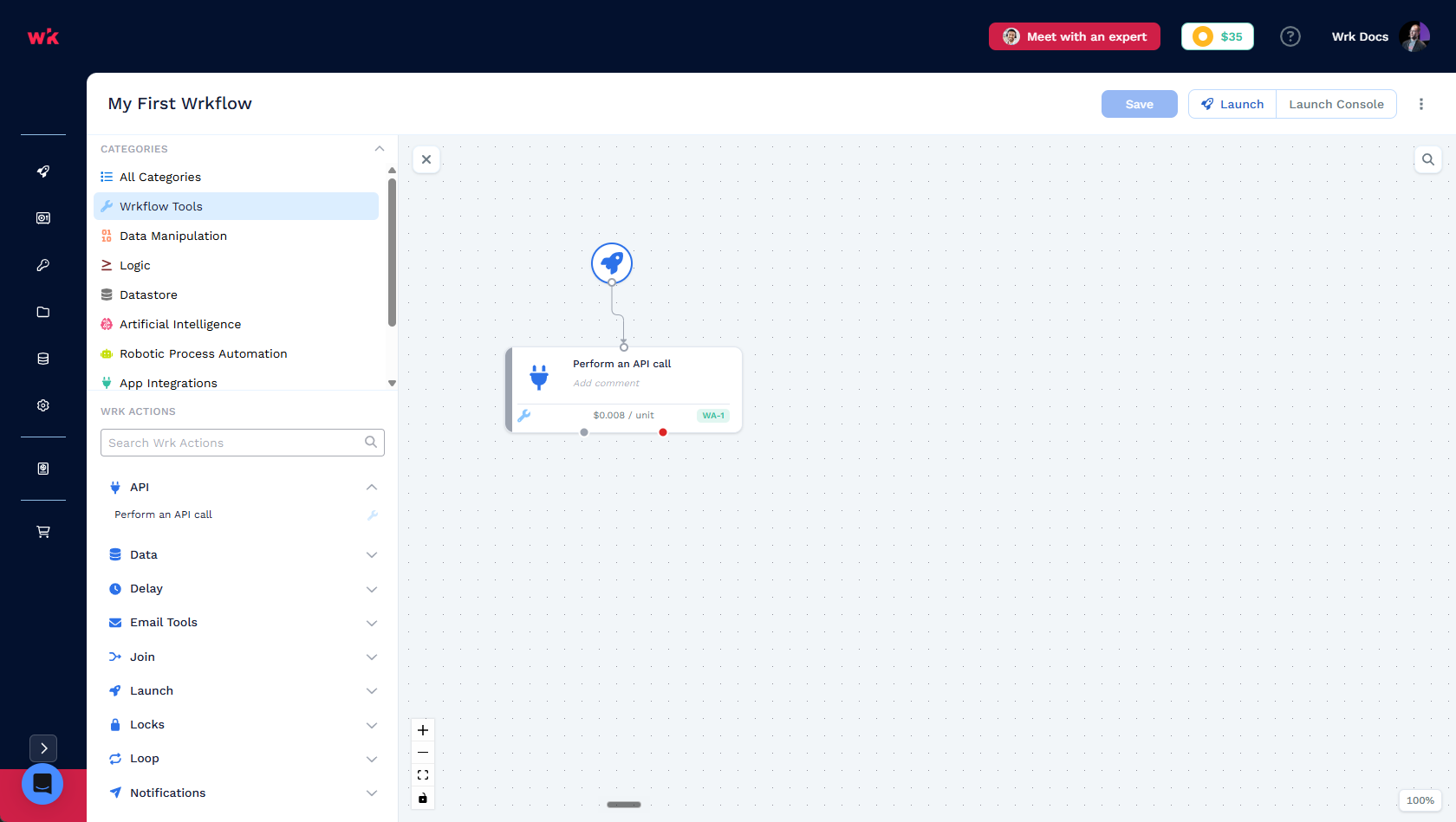
Wrkflow design happens in the Wrkflow Designer. This section covers everything around it: the operational home screen, launch methods, account credentials, reusable assets, and persistent storage.
For the shared vocabulary behind these features, read Core concepts first.
Wrkflow Automation
Wrkflow Automation is the operational hub for your account. You do not edit Wrkflow logic here. Instead, you find Wrkflows, start Launches, review Launch history, and inspect individual Launches.
Child pages in this section:
- Wrkflows: what a Wrkflow is, how it runs, and the Wrkflow list on the home screen
- Launches: every Launch of a Wrkflow: status, launch type, search, and rename
- Launch Console: activity timeline for a single Launch, including billing, errors, and custom log events
- Debug Console: Wrk Action execution list with inputs, outputs, outcomes, and execution IDs
Configure trigger types from Launch Control in Wrkflow Automation or from the Launch icons on each Wrkflow row.
Triggers
Triggers is how a Launch starts. Each trigger type defines how data enters the Wrkflow and when the process begins.
Child pages in this section:
- Manual launch: start a Launch from the Wrk platform UI
- Email launch: start a Launch by sending an email to a trigger address
- Schedule launch: start Launches on a recurring or one-time schedule
- Webhook launch: start a Launch from a webhook URL when an external event occurs
- Launch API: start a Launch programmatically from your own application
Connected Accounts
Connected Accounts store the credentials Wrk Actions use to call external applications. When you configure an integration Wrk Action, you pick a Connected Account instead of entering secrets in the Wrkflow. Wrk encrypts and applies the stored credentials at runtime.
API Keys
API Keys let you launch Wrkflows programmatically from your own applications and scripts. Generate or rotate your account API key, copy the launch endpoint, and use the quick-start example on the page to make your first API call.
For third-party systems that should start a Wrkflow when an event occurs, prefer a webhook trigger instead of sharing your account API key.
Media Library
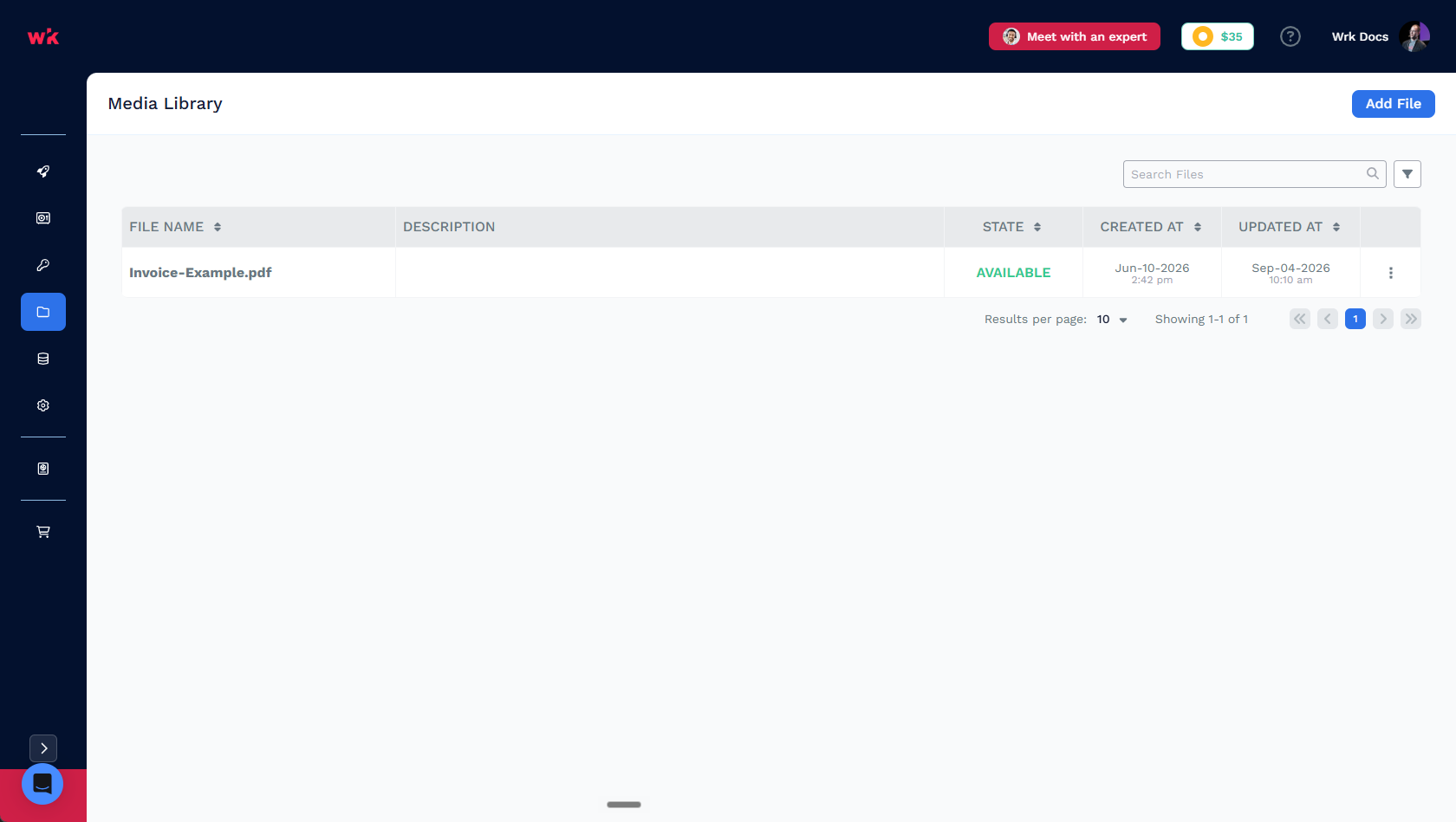
Media Library is a central place to upload static files your team reuses across Wrkflows: images for Vision RPA, sample documents for testing, Excel mapping files, and other reference assets. Select uploaded files when configuring Wrk Actions or setting launch parameters.
Datastore
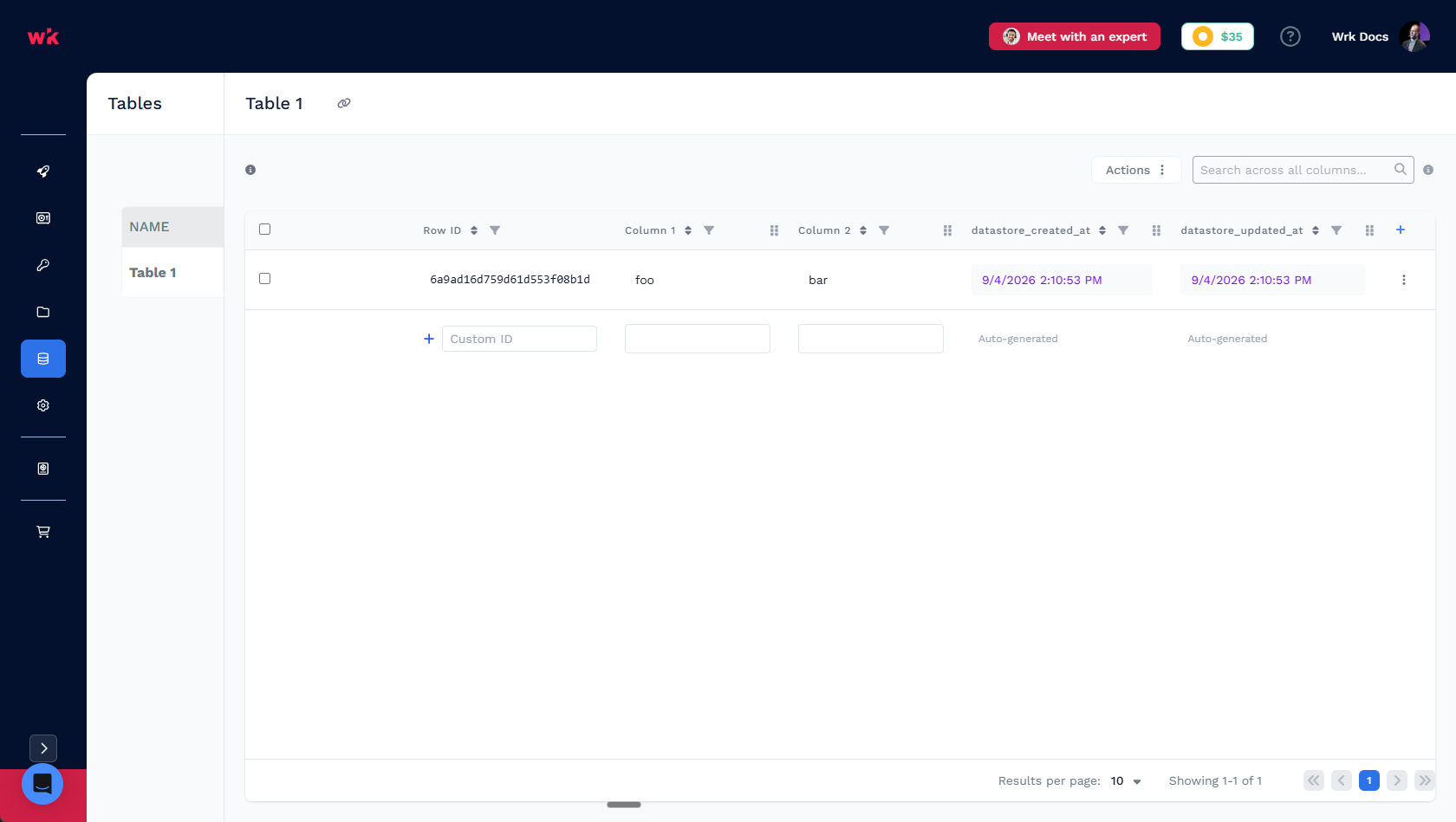
Datastore is the sidebar home for account-level storage that persists across Launches. It includes three features that serve different jobs:
- Environment variables: single named configuration values (URLs, flags, shared IDs) any Wrkflow can read. Update the value once; every Wrk Action that retrieves it picks up the change on the next Launch.
- Tables: structured rows and columns for lookups, logging, and shared lists you can edit in the UI or from Wrk Actions.
- Queues: work-item handoff between Wrkflows with status and priority (managed through Datastore Wrk Actions, not a grid UI).
Environment variables are not a separate platform product. They live under Datastore next to tables and queues because they are shared account storage, but they hold simple config values rather than rows of data.
Related resources
- Core concepts: Wrkflow, Wrk Action, Connector, Trigger, Launch, and orchestration building blocks
- Triggers: manual, email, schedule, webhook, and API launch methods
- Building a Wrkflow: quickstart for designing your first Wrkflow in the Wrkflow Designer
- Glossary: quick lookup for platform terms