How to start a new Launch
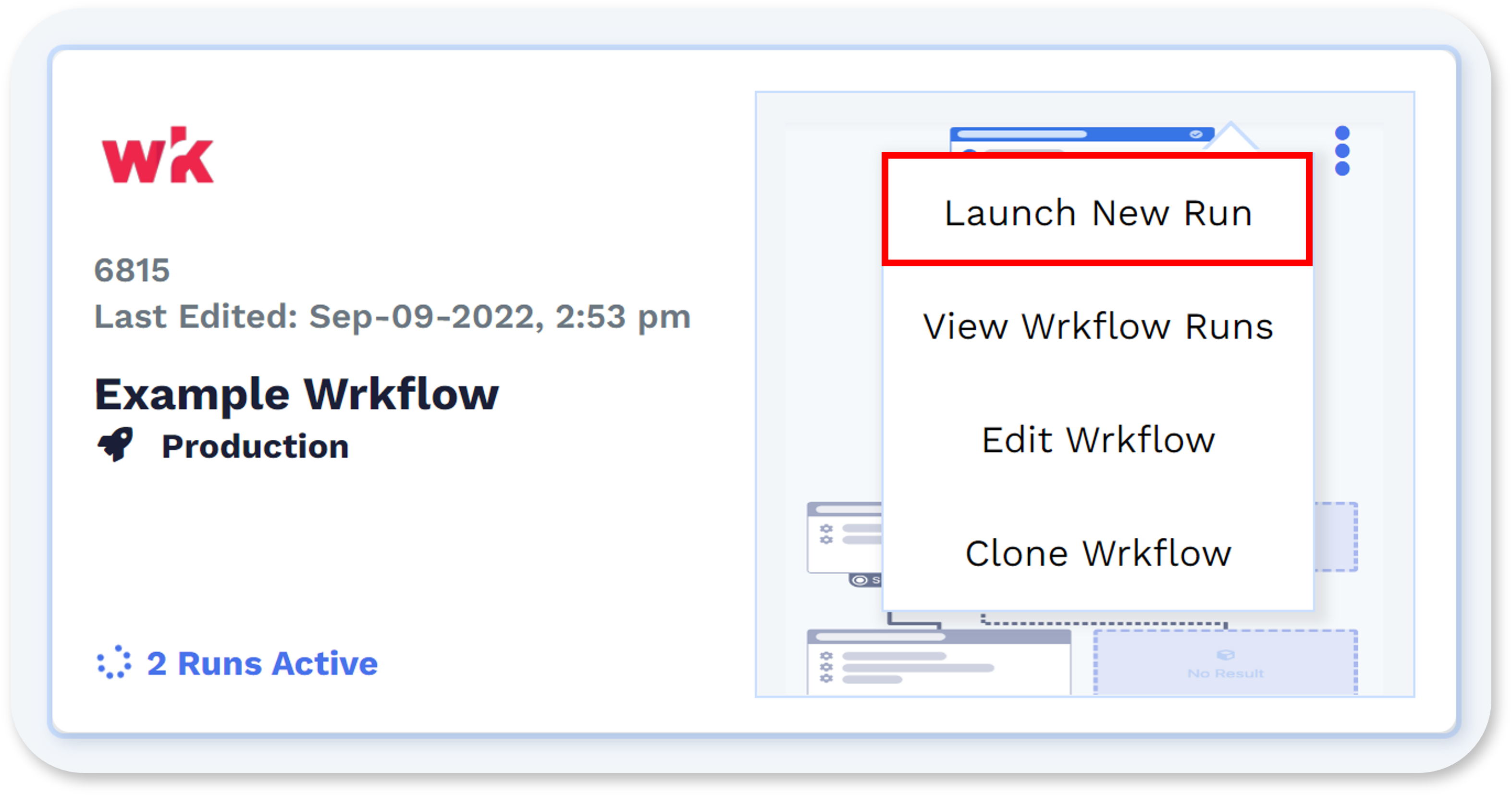
- Open the dashboard and navigate to the Wrkflow you would like to launch.
- Select the "..." icon in the top right corner of the Wrkflow card and select "New Launch" from the drop-down list.
From there, the New Launch window opens.
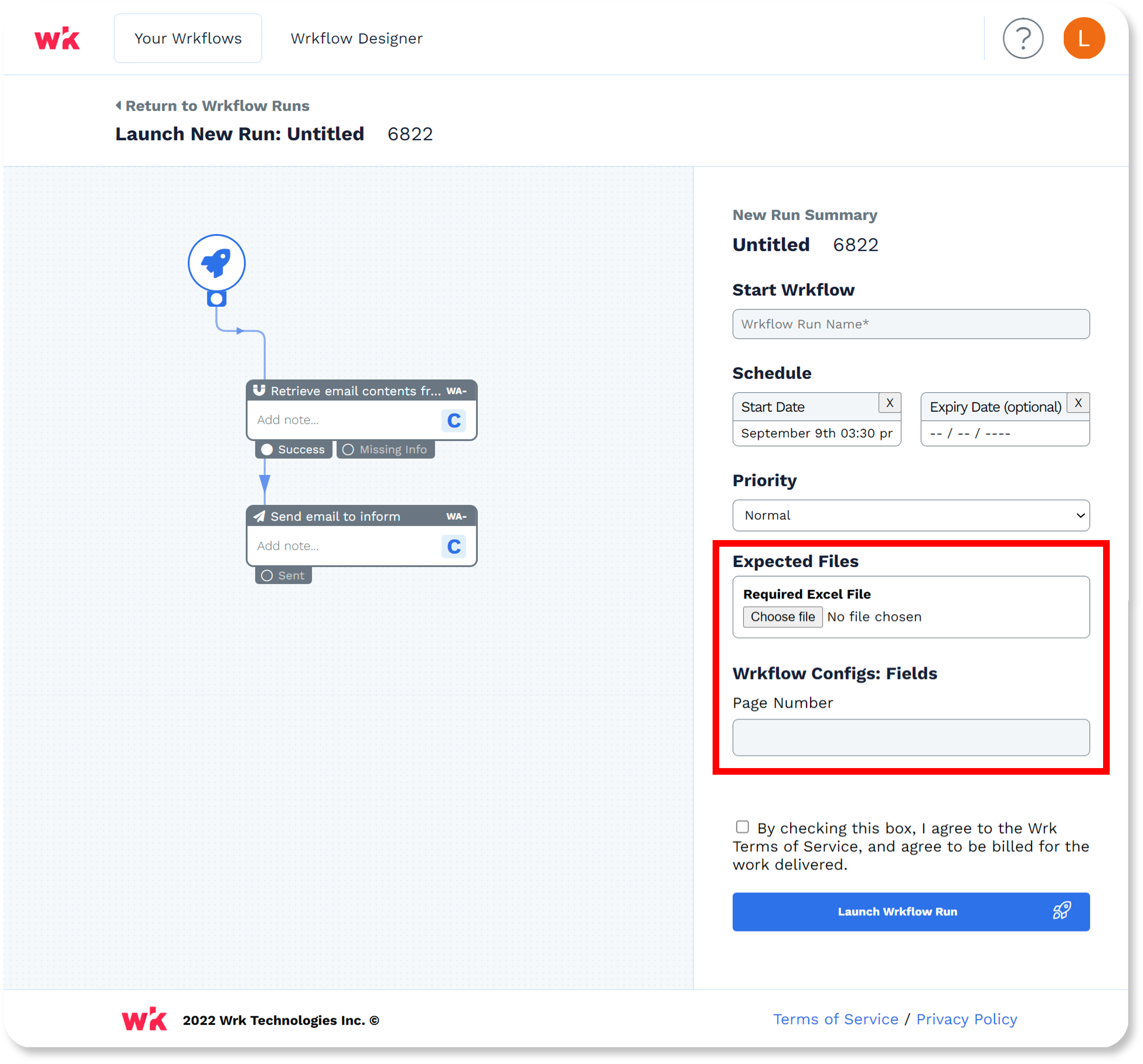
Based on the configuration of the Launch Configuration, you will need to provide the following information:
- Name of the Launch.
- Input important data into the Expected Files section (if applicable). This can be a file, a link to a folder, a URL, list, etc. See below for more details.
A couple of other key things to note about launching your Wrkflow:
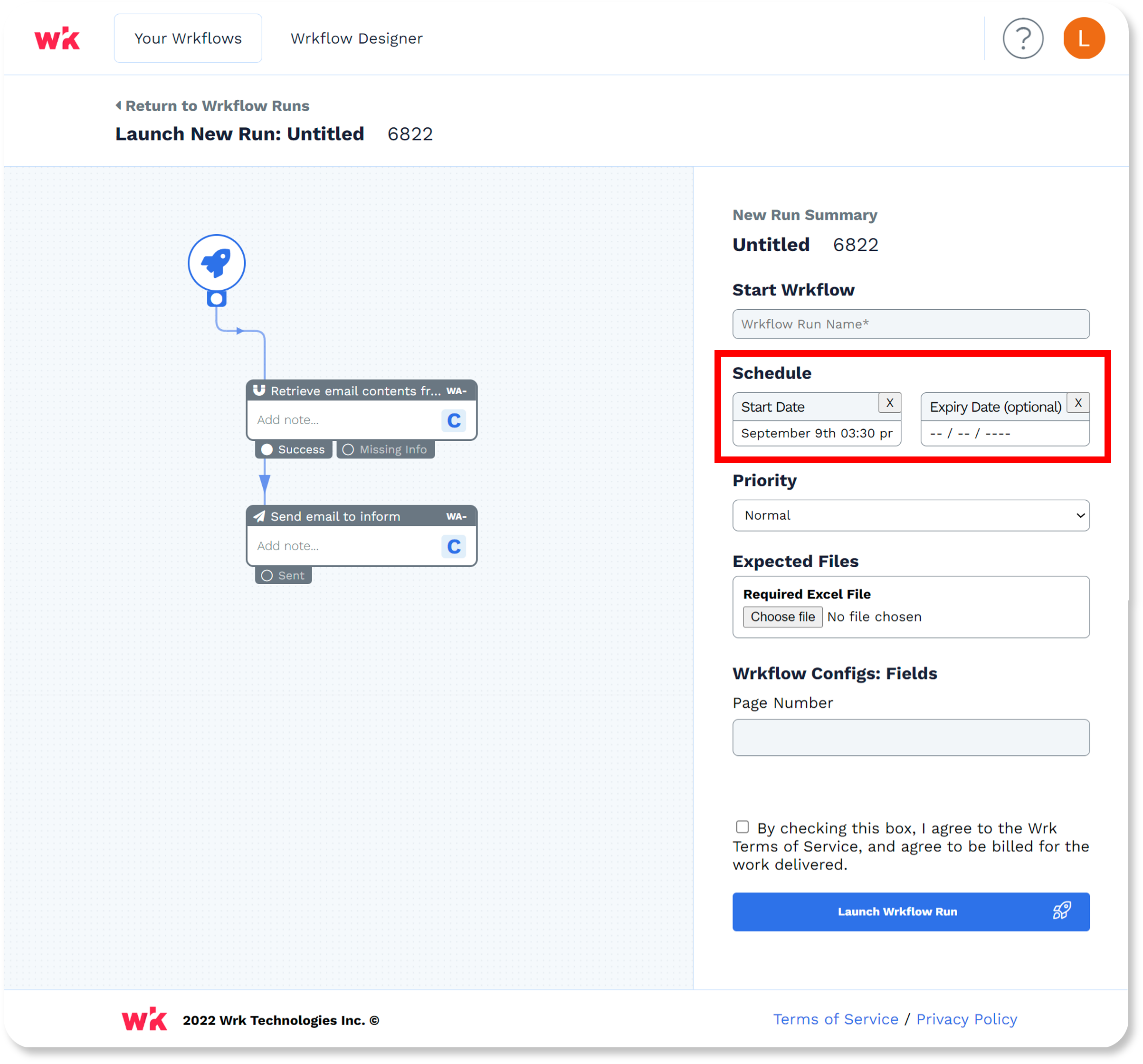
- A Launch can either start instantly or be scheduled for a future date and time.
- To schedule a Launch to initiate at a specific day and time, fill out the schedule section in the New Launch summary. See below for more details.