Input and Output Data Types
When configuring Wrk Actions, there are fields you need to fill out that are segregated into required and optional fields.
Each field is defined by one or more supported data types, which tells you what information needs to be provided in that field.
Our current supported data types are outlined below.
Long Text

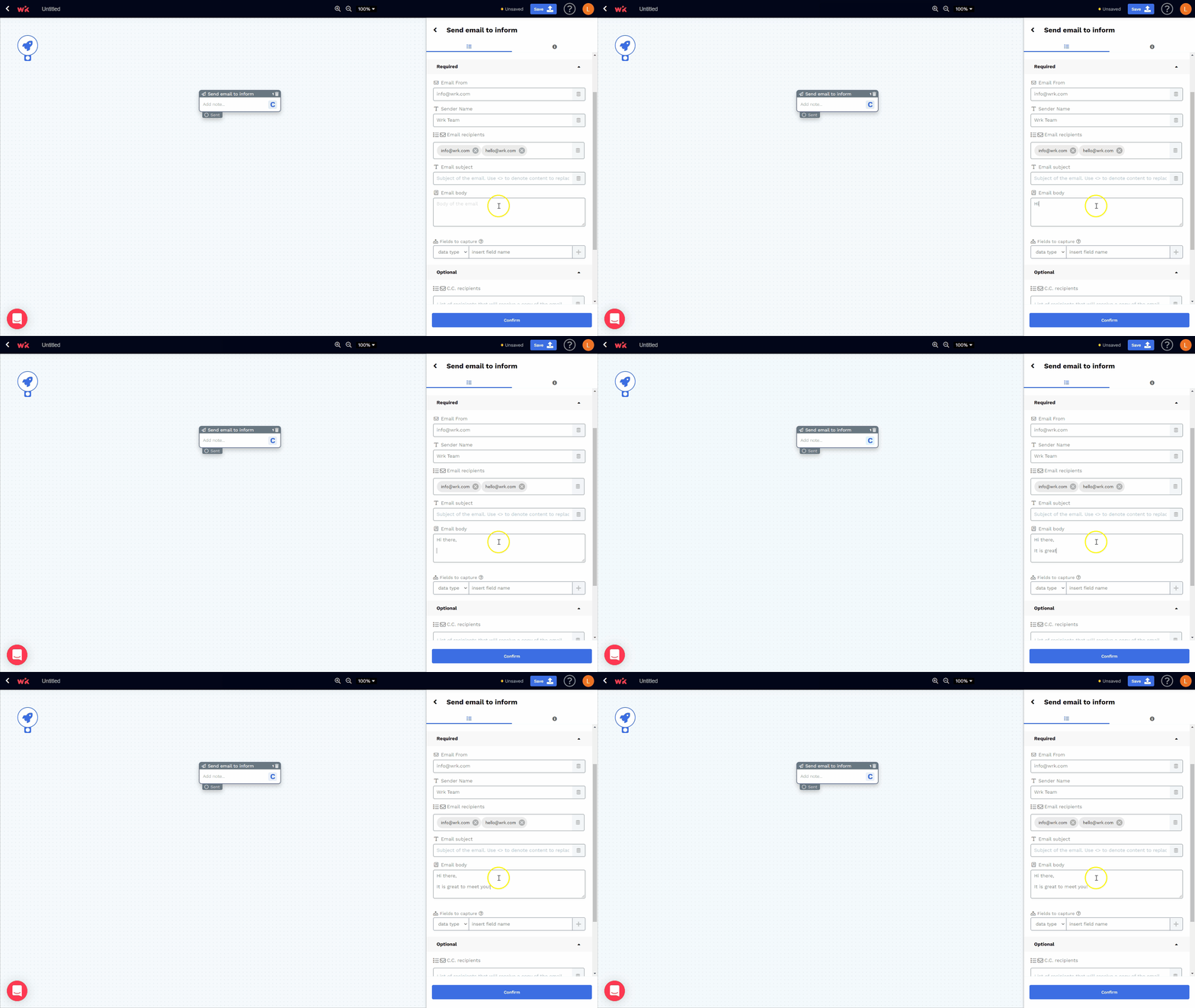
Allows for free-form text entry with the ability to expand the text box (useful for large text entries such as the body text for an email or paragraphs). For more information on how to format Long Text fields, please refer to the following article.
Short Text

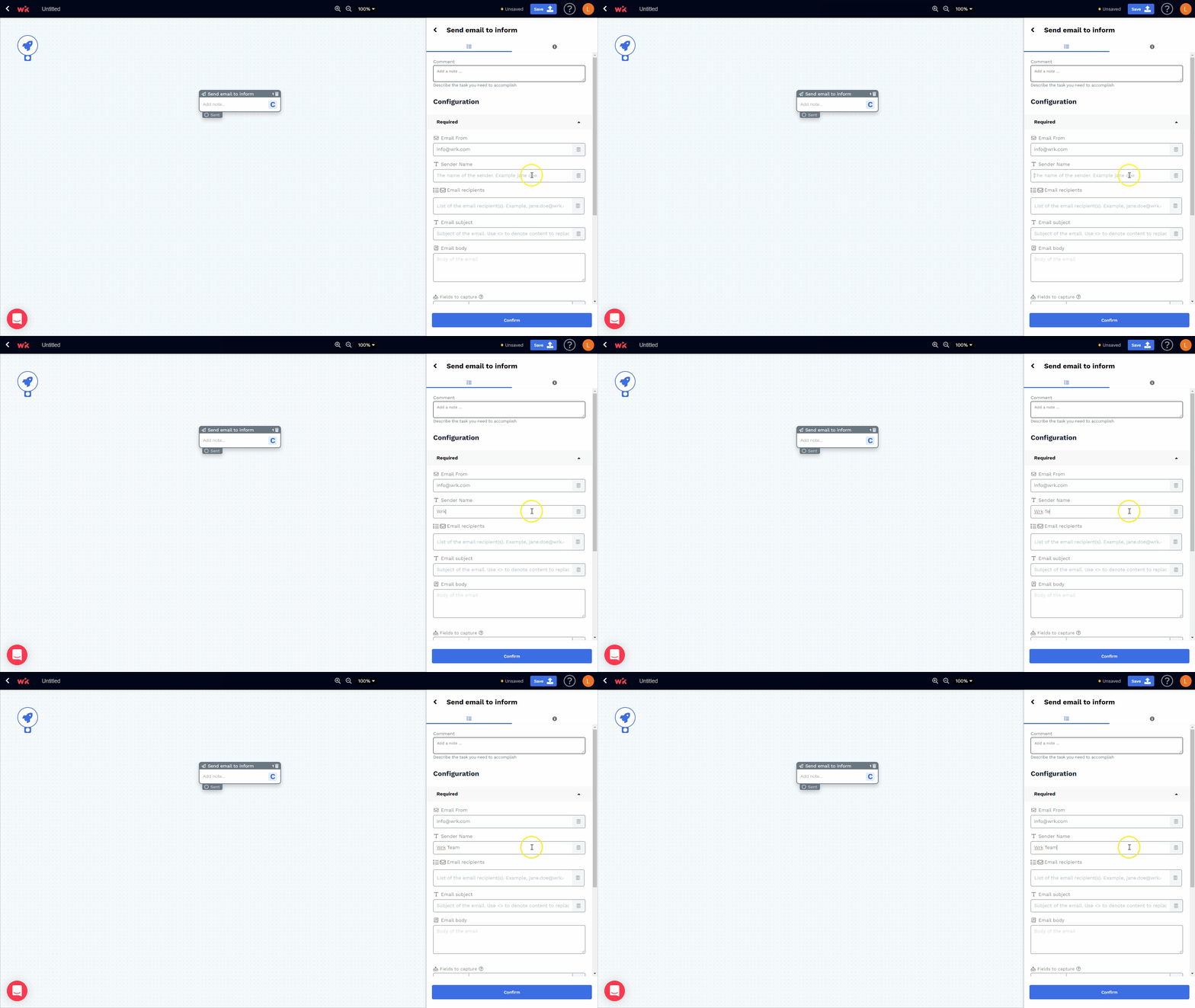
Allows you to enter any kind of text data (most useful for short-form text that will fit on a single line)
True or False

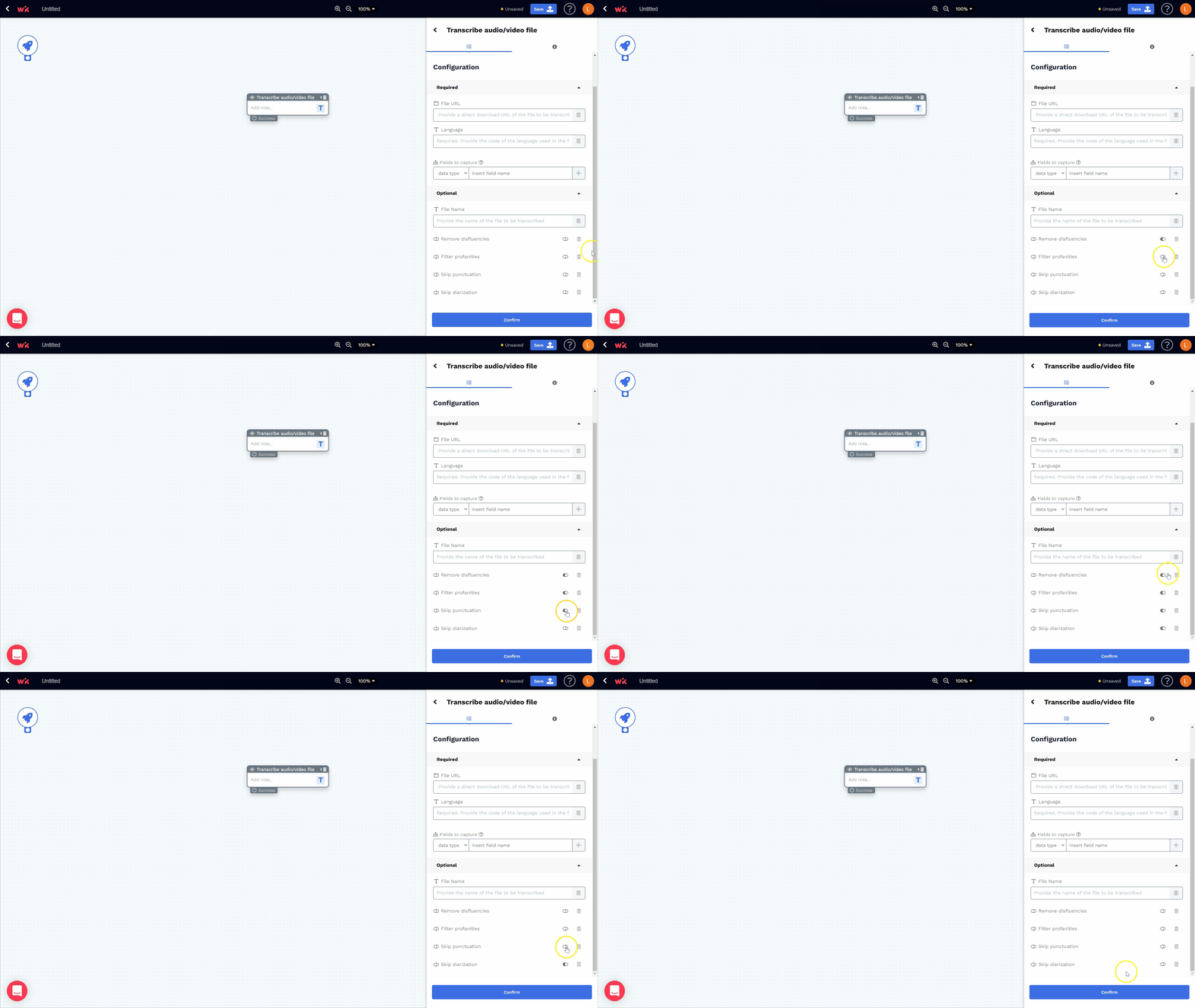
Allows for one of two possible values (e.g., an on/off toggle)
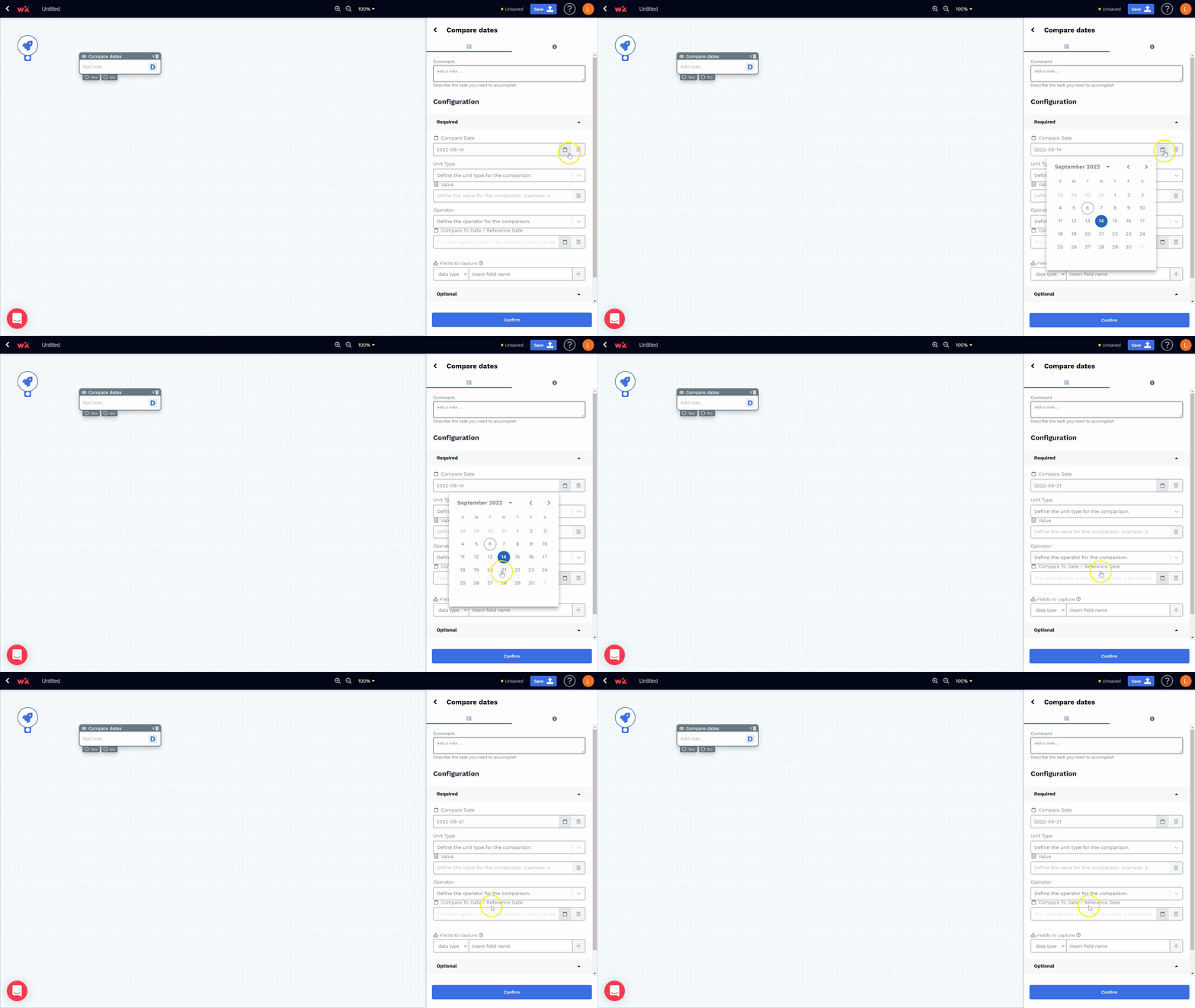
Date

Allows for calendar dates to be specified (e.g., September 7, 2022) using a date picker widget
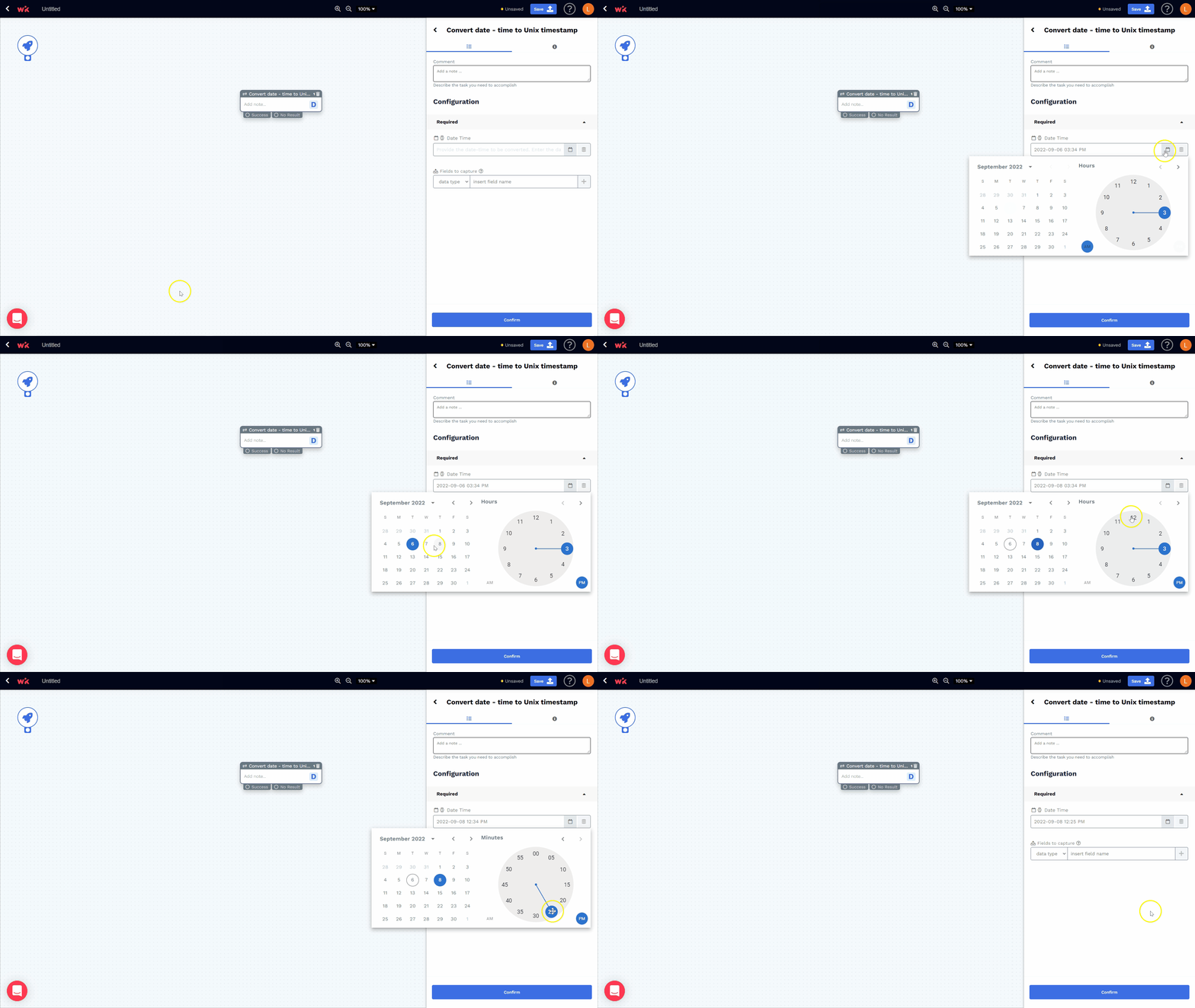
Date-time
Allows for calendar dates with times to be specified together (e.g., September 7, 2022 at 10:30 a.m. EST) using a date + time picker widget

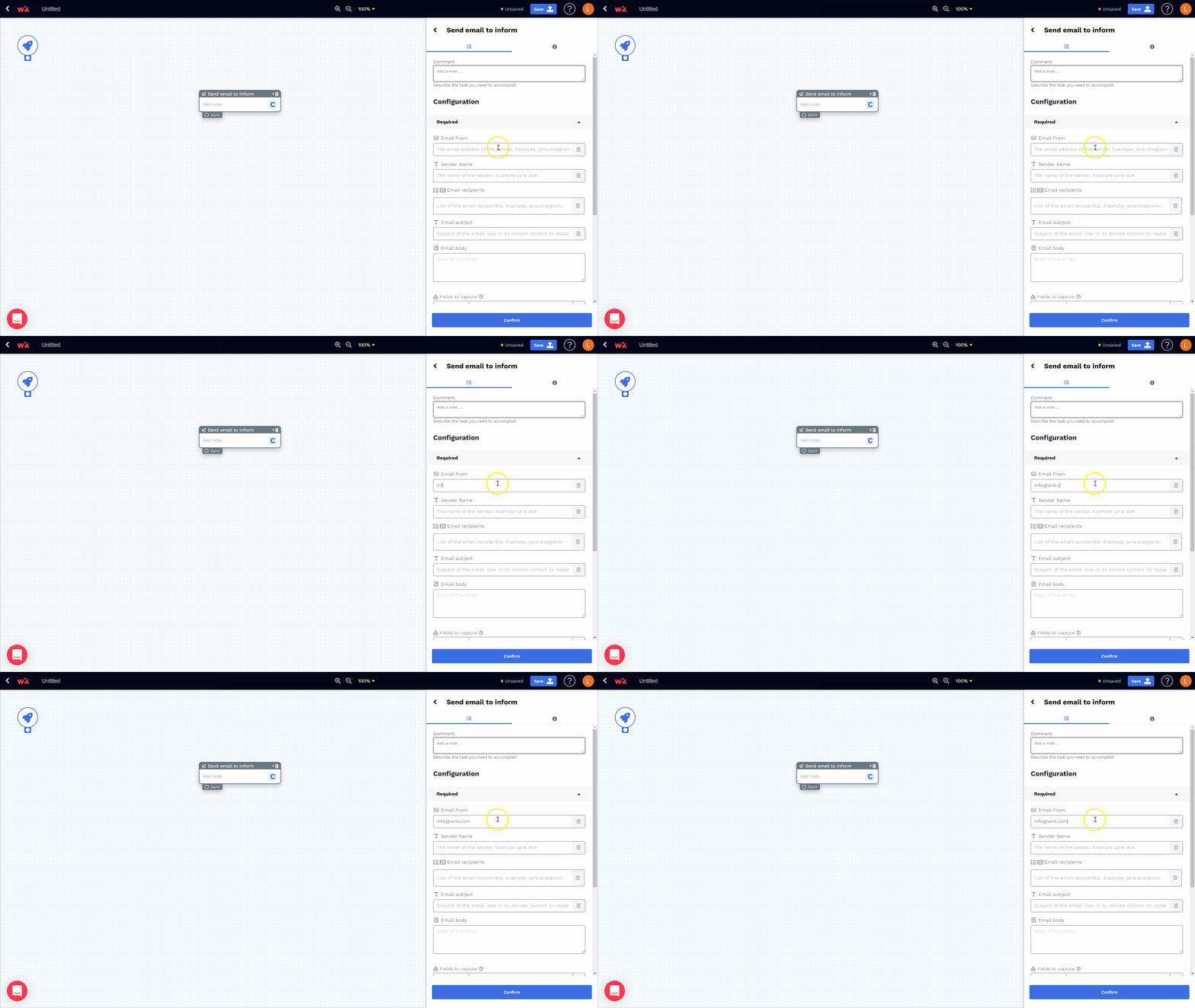
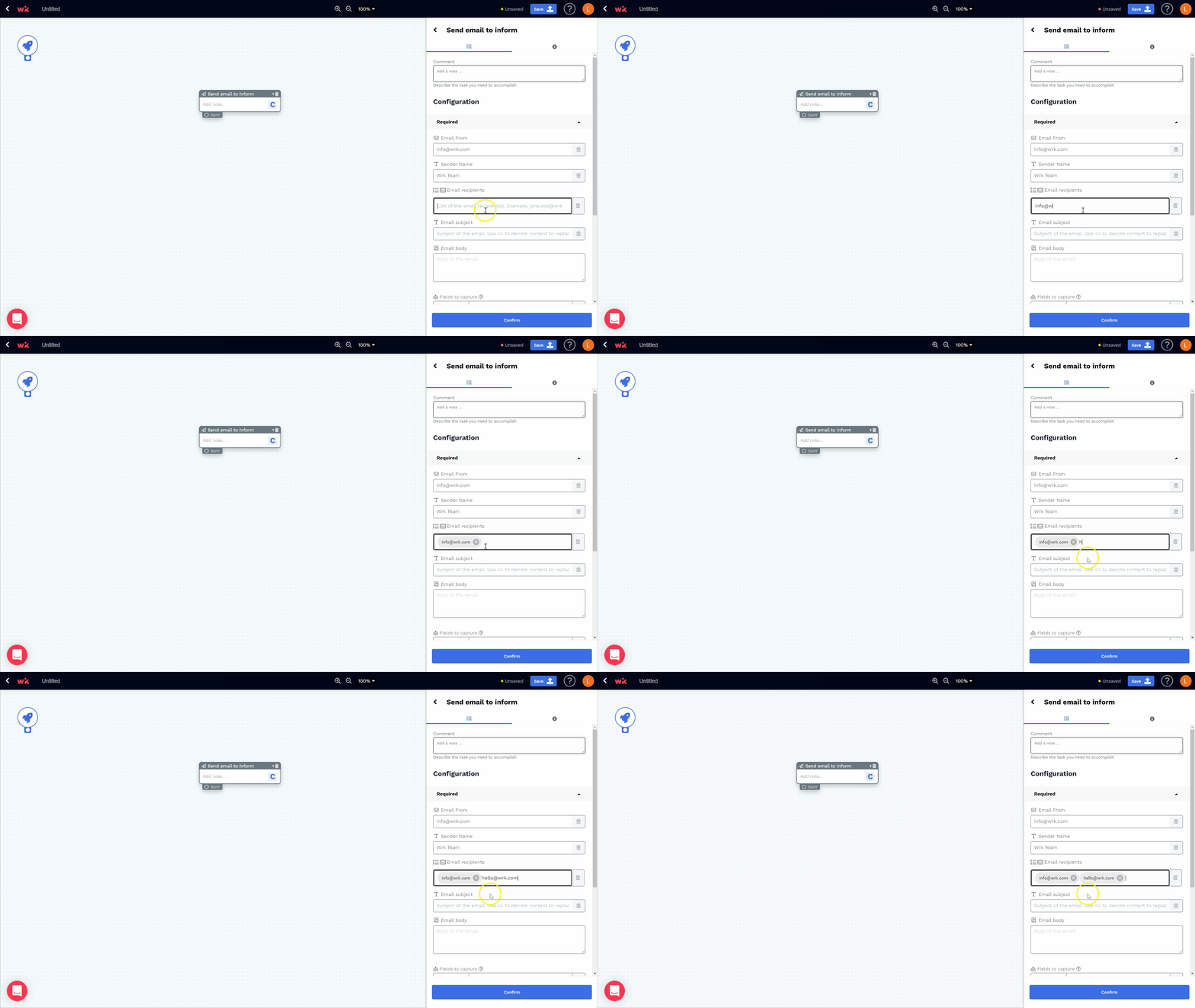
Allows for emails to be entered (e.g., info@wrk.com)
File
Allows you to store a set of related records as a single unit (e.g., an Excel spreadsheet)
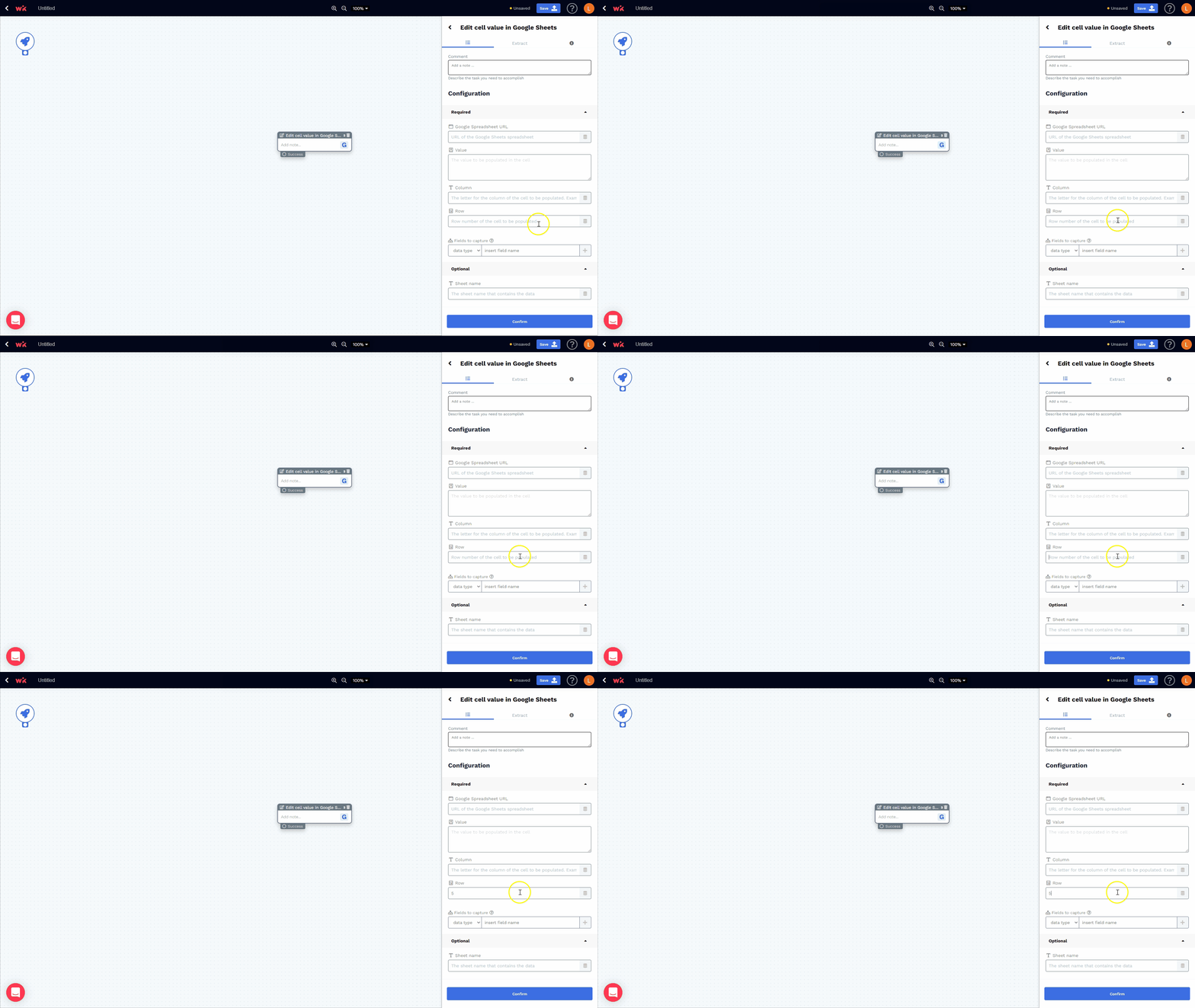
Integer

Allows you to enter whole numbers that are either negative or positive in value (e.g., -5, 0, and 100)
Choices

Allows for entry of items into a list
Number

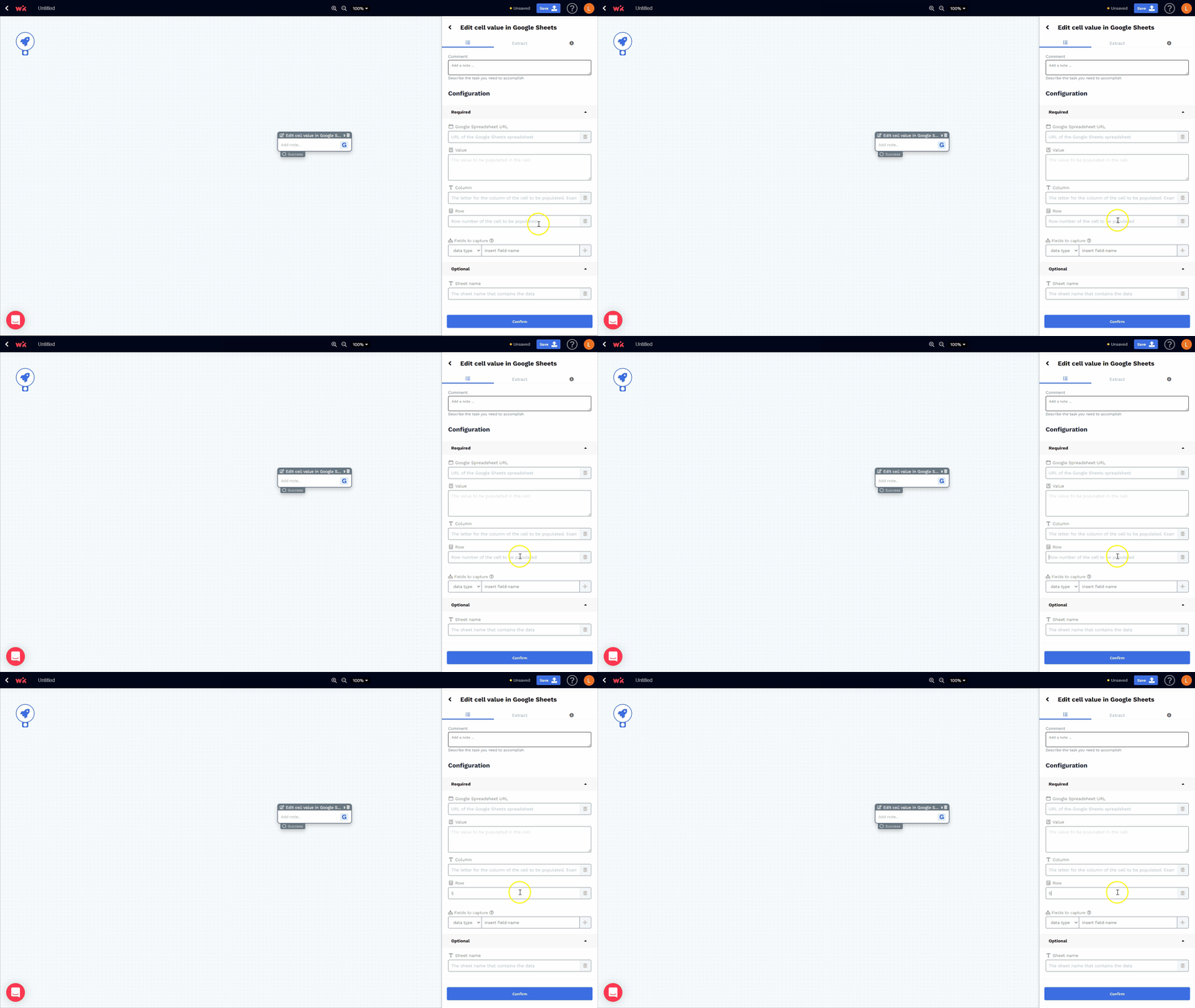
Allows you to enter numbers with the inclusion of decimals (e.g, 2.33)
Phone number

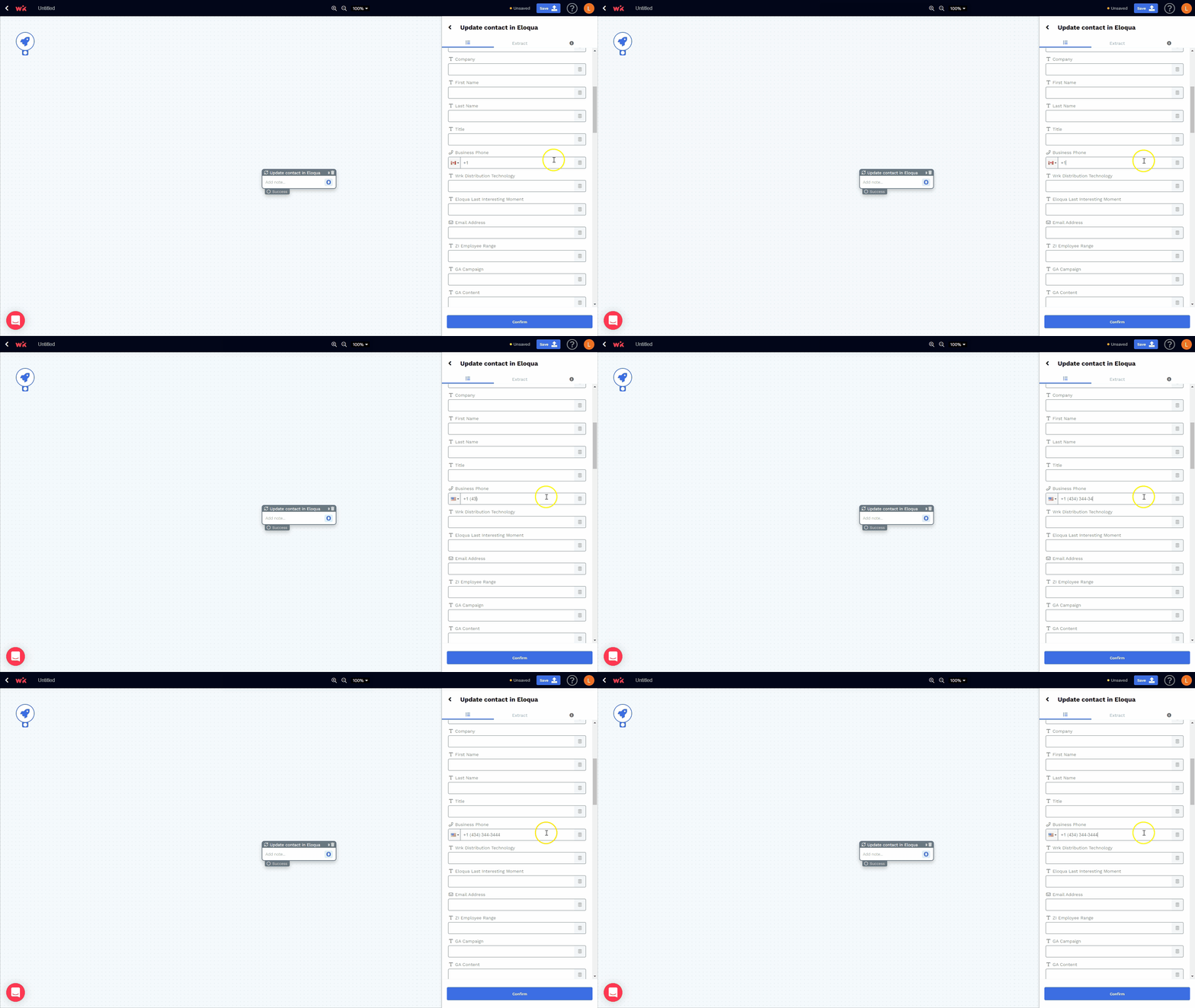
Allows you to enter a phone number (e.g., 1 603 234 3444)
Time

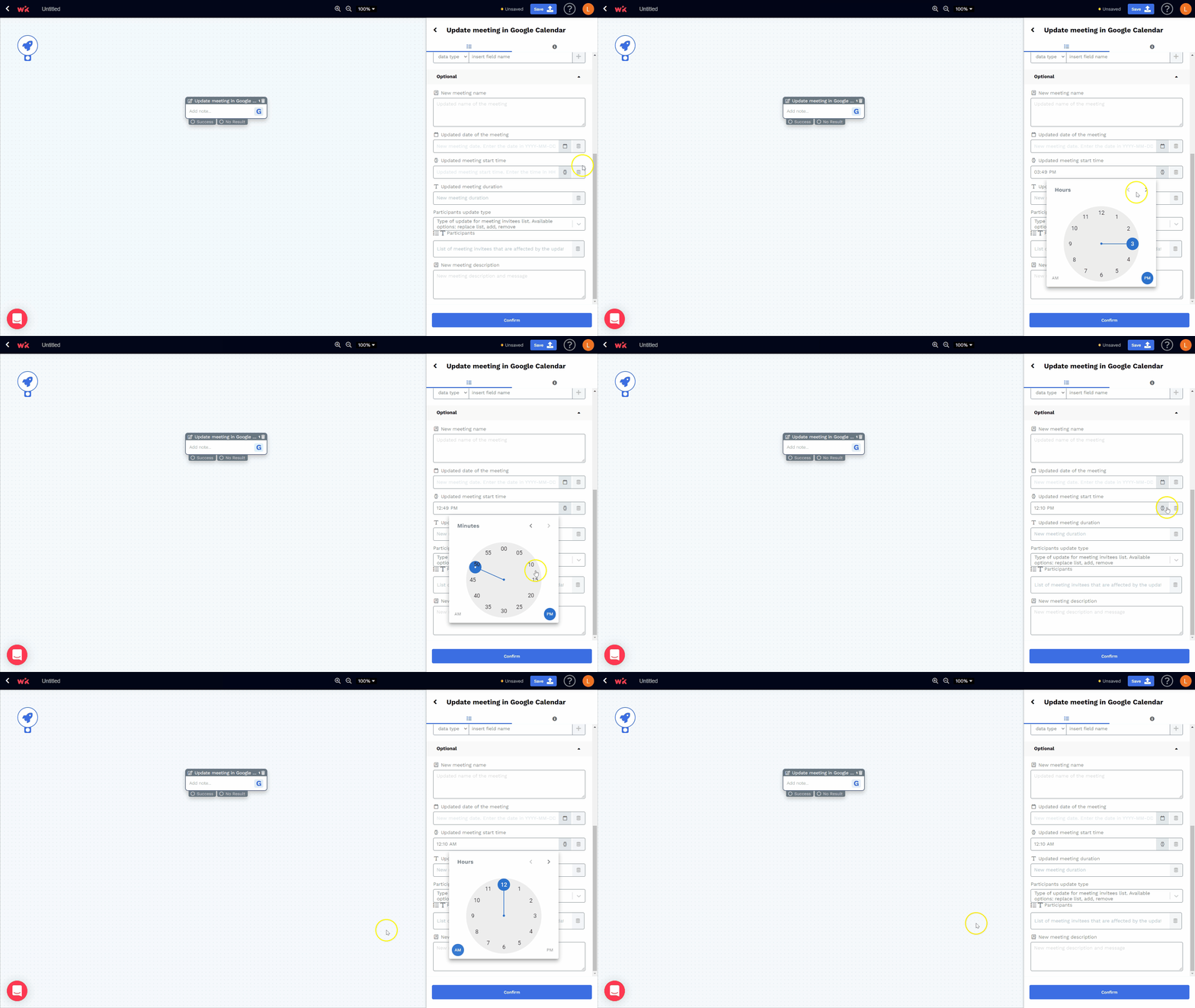
Allows you to enter time data (e.g., 10:00 a.m. EST) using a time picker widget
Link

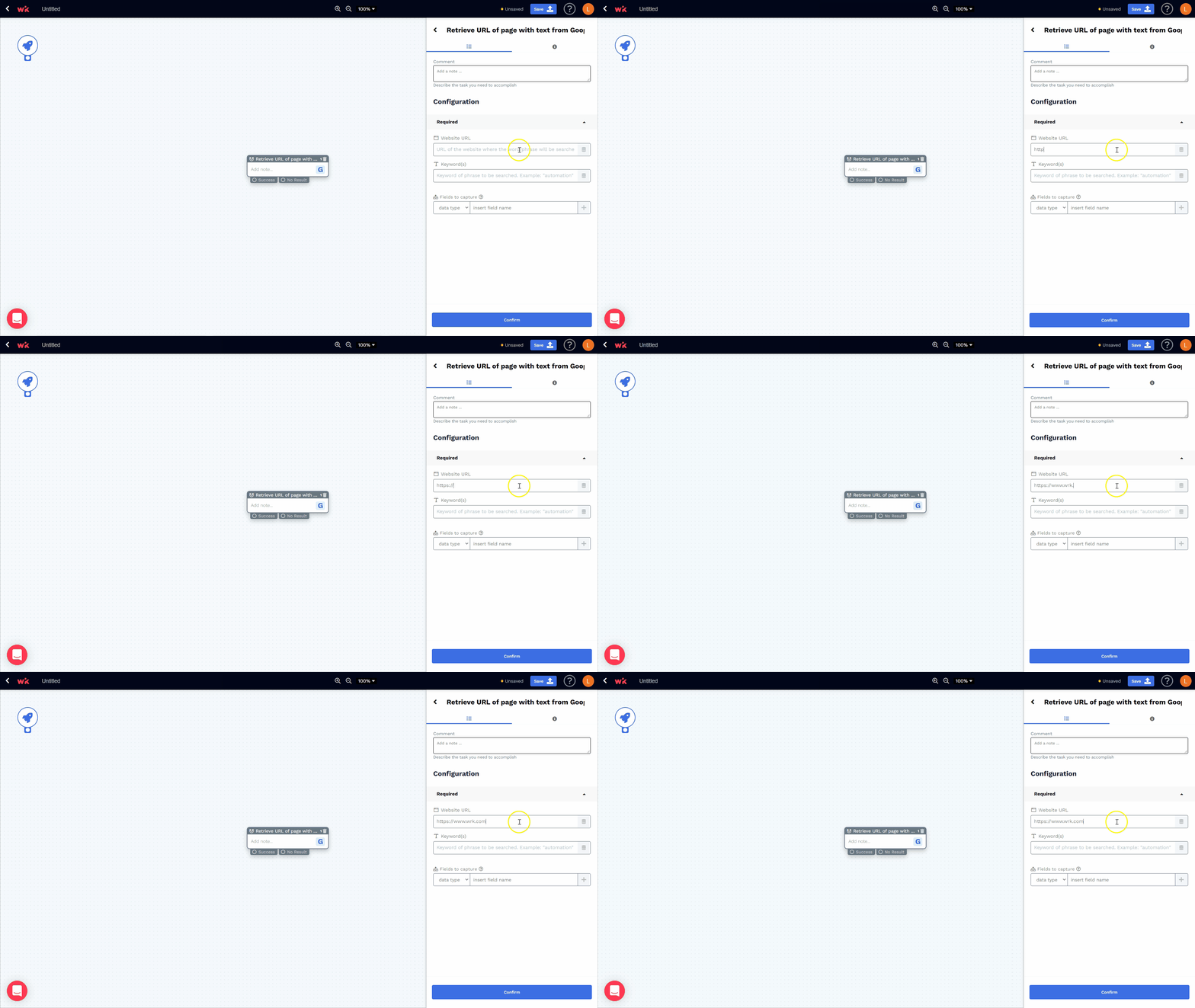
Allows you to enter website links (e.g., https://www.wrk.com)